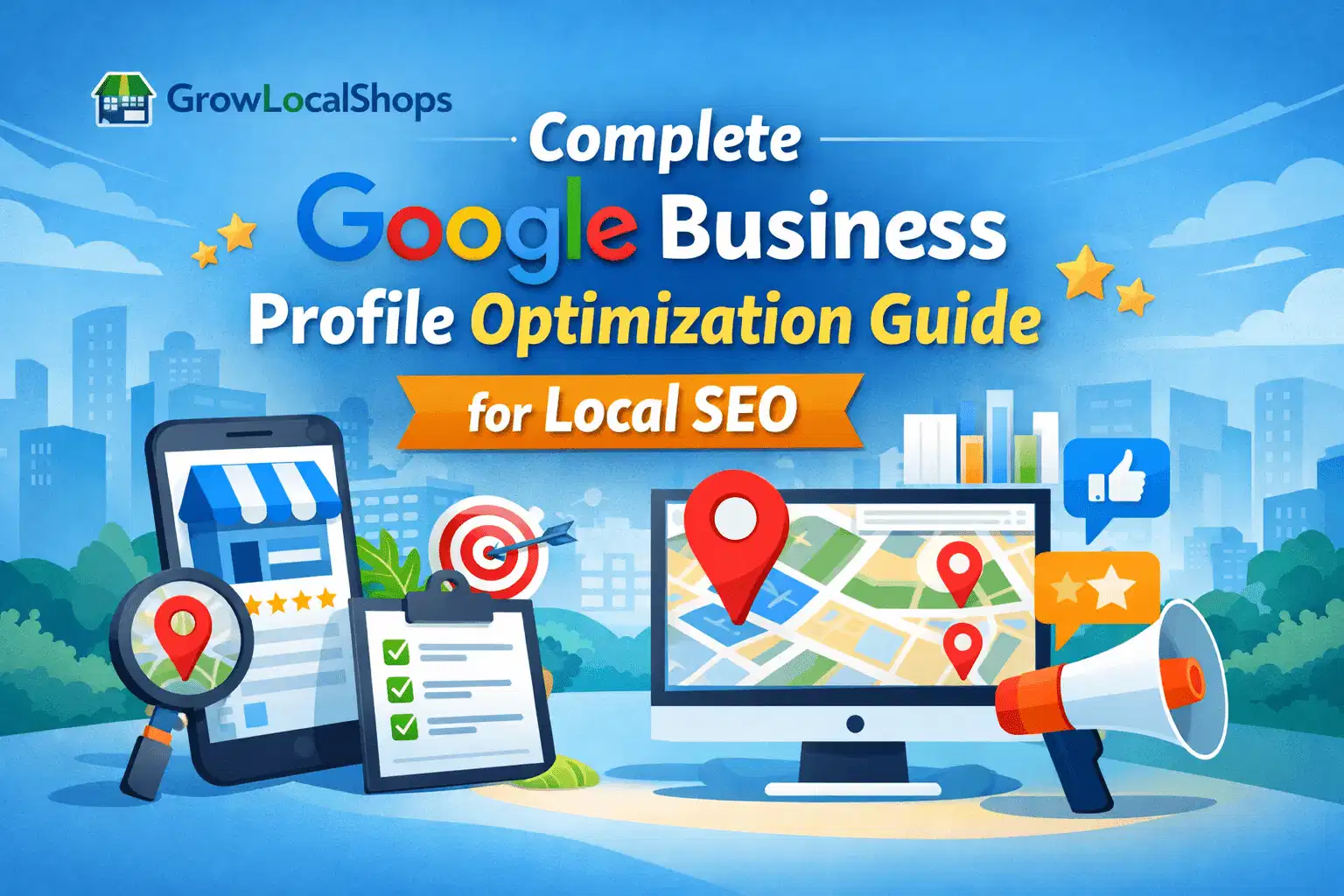
If you run a local business, your Google Business Profile is the most powerful online listing you have.
It directly impacts how your business appears in Google Search, Google Maps, and local results. In many cases, it is even more important than your website because it drives immediate visibility, calls, and direction requests from nearby customers.
To help you get the best results, we’ve created a clear and practical 10-step checklist to properly optimize your Google Business Profile.
Optimizing your profile is essential — not only to attract new customers but also to build trust and retain existing ones. A well-optimized profile improves visibility, credibility, and conversions.
However, Google Business Profile features and guidelines change frequently. That’s why we carefully researched current best practices and compiled expert-backed steps that you can apply immediately.
If you have any questions or need clarification, feel free to share your thoughts in the comments. Your feedback is always welcome.
1.Claim or Create a Google My Business Listing
Imagine a customer searching for your service right now.
If your business doesn’t appear on Google Maps or in the local results, you’re invisible — even if your service is excellent.
That’s why claiming or creating your Google Business Profile is the foundation of local SEO.
Step 1: Check If Your Business Already Exists

Start by searching your business name on Google. Go to www.GOOGLE.com .
If you see a listing, look for the option that says “Own this business?” Click it and begin the verification process. Claiming your listing gives you full control over your business details, reviews, and visibility.
If nothing appears, don’t worry — you can create a new listing from scratch.
- Go to www.goole.com/business
- Visit the Google Business Profile page,
- click “Manage Now,” and enter your business name.
Step 2: Add Accurate Business Information
This step directly impacts your local ranking.
Make sure you:
- Use your exact business name (no keyword stuffing)
- Choose the most relevant primary category
- Enter the correct address and phone number
- Add your website link
- Define your service areas (if applicable)
Consistency across platforms builds trust with both Google and customers.
Step 3: Complete the Verification Process
Google will ask you to verify ownership. Depending on your business type, this may be done through:
- Postcard verification
- Phone or email
- Video verification
Without verification, your profile won’t reach its full potential.
Step 4: Optimize After Claiming
Many businesses stop after creating their listing. That’s a mistake.
To improve visibility and conversion rate:
- Add high-quality photos
- Write a keyword-optimized business description
- Update business hours
- List services or products
- Encourage customer reviews
- Post regular updates
An active and optimized profile ranks better than an incomplete one.
Claiming or creating your Google Business Profile is not just a setup task — it’s your entry point into local search visibility. If you want customers to find, trust, and choose your business, this step is non-negotiable.
2.Verify Your Google My Business Listing
After creating or claiming your Google Business Profile, the next critical step is verification. Without verification, your listing will not have full visibility, and you won’t be able to manage all features.
Verification confirms that you are the legitimate owner of the business. This protects customers from fake listings and ensures accurate local search results.
Why Verification Is Important
If your business is not verified:
- You cannot fully edit business details
- Your listing may not appear prominently in local results
- Competitors or third parties could suggest changes
- You cannot access complete performance insights
Verification gives you full control and strengthens trust with Google.
Common Verification Methods
Google offers different verification methods depending on your business type and location:
1. Postcard Verification
Google sends a postcard to your registered business address with a verification code. This usually arrives within 5–14 days. Once received, enter the code in your Business Profile dashboard.
2. Phone or Email Verification
Some businesses are eligible for instant verification via phone call, SMS, or email. You’ll receive a code to confirm ownership.
3. Video Verification(special cases)
In certain cases, Google may require a short video showing your physical location, signage, and proof of business operations.
Important Tips During Verification
- Ensure your business address is accurate before requesting verification.
- Do not change major details (like business name or category) during the verification process.
- If using postcard verification, avoid editing your listing until the code arrives.
Any major changes can delay approval.
After Verification
Once verified, your profile becomes fully active. You can:
- Respond to customer reviews
- Post updates and offers
- Access insights and analytics
- Optimize your listing for better local ranking
Verification is not just a technical step — it is a trust signal that improves your local SEO performance and strengthens your online credibility.
Make sure this step is completed properly before moving to advanced optimization strategies.
3.Set Up User Access to Your Listing
Managing your Google Business Profile should never depend on a single person. As your business grows, proper access management becomes an important part of optimization. It ensures consistency, security, and faster customer response.
Many businesses focus only on ranking improvements, but operational efficiency also plays a major role in long-term performance.
Why Proper User Access Matters
Imagine this scenario:
You receive 3 customer questions and 2 new reviews in one day. If only one person has access — and they are unavailable — responses get delayed. Delayed replies reduce engagement and may affect customer trust.
When roles are distributed correctly:
- Reviews are answered quickly
- Business hours are updated on time
- Posts are published regularly
- Messages are handled without delay
Google favors active and responsive profiles. Efficient management supports better performance.
Understanding Access Levels Clearly
Google Business Profile provides different permission levels. Assign them carefully.
Primary Owner
- Full control over the listing
- Can transfer ownership
- Can remove users
- Should ideally be the business owner
Owner
- Similar access to Primary Owner
- Can manage users (except transferring primary ownership)
Manager
- Can edit business details
- Respond to reviews
- Post updates
- Manage messaging
- Cannot remove owners
Always limit Primary Owner access to one trusted individual to prevent conflicts or accidental changes.
When Should You Add Users?
You should set up additional access when:
- You hire a digital marketing executive
- You work with an SEO agency
- A staff member handles customer communication
- You operate multiple locations
- You want backup access for security reasons
Adding users improves workflow and reduces dependency on one login.
Security and Risk Management
User access is also about protection.
Best practices include:
- Use official business email IDs (not personal accounts)
- Avoid sharing passwords manually
- Assign the lowest necessary permission level
- Review access every few months
- Remove access immediately if someone leaves the organization
Improper access management can lead to accidental edits, listing suspension, or security risks.
Impact on Optimization and Conversion
Faster response time and regular updates increase profile activity. Activity signals relevance to Google.
When customers see:
- Quick replies
- Professional review responses
- Regular updates
They are more likely to trust your business and take action.
4.Optimize Your Google My Business Listing
Creating and verifying your Google Business Profile is only the beginning. If you want higher visibility, more calls, and better conversion rates, optimization is essential.
An incomplete profile may appear in search results — but an optimized profile ranks better and attracts more customers.
1. Write a Keyword-Focused Business Description
Your business description should clearly explain:
- What you do
- Who you serve
- Where you operate
Include relevant local keywords naturally. Avoid keyword stuffing. Keep it clear, professional, and customer-focused.
Example:
Instead of writing “We are the best digital marketing company,” write:
“We provide SEO, local SEO, and website optimization services for small businesses in Chennai.”
Clarity improves both rankings and trust.
2. Select the Right Categories
Your primary category has a direct impact on local ranking.
Choose the most accurate primary category, then add relevant secondary categories if applicable. Incorrect categories reduce visibility for the right searches.
3. Add High-Quality Photos
Profiles with photos receive significantly more engagement.
Upload:
- Exterior photos
- Interior photos
- Team images
- Product or service images
High-quality visuals increase trust and improve click-through rate.
4. Keep Business Information Updated
Make sure your:
- Address
- Phone number
- Website URL
- Business hours
are accurate and consistent across all platforms. Inconsistent details can negatively affect local SEO performance.
5. Collect and Respond to Reviews
Reviews influence both ranking and customer decisions.
Encourage satisfied customers to leave honest reviews. Always respond professionally — even to negative feedback. Active engagement signals credibility and improves trust.
6. Post Regular Updates
Use the “Posts” feature to share:
- Offers
- Updates
- Events
- New services
Active profiles show Google that your business is operational and relevant.
Optimizing your Google Business Profile is not a one-time task. It requires regular updates, engagement, and monitoring. A fully optimized listing improves visibility, builds trust, and increases the chances of converting local searchers into customers.
Once your Google Business Profile is verified and fully set up, this is were the Local Shops Struggle to get Discovered has been over .the real growth begins. Many businesses stop at basic optimization — but to improve local visibility and conversion rate, you need deeper strategic actions.
Below are five powerful optimization steps explained in a simple and practical way.
1. Optimize the Services Section Properly
The Services section is often underutilized. Most businesses simply list service names without descriptions. This is a missed opportunity.
Instead of writing:
- SEO Services
- Website Design
Add a short description for each service. Clearly explain what you offer and who it is for.
For example:
SEO Services – We provide on-page and local SEO services to help small businesses improve Google search visibility and attract nearby customers.
Why this matters:
Google reads these descriptions to understand your business relevance. Well-written service descriptions increase your chances of appearing in related searches.
2. Use the Q&A Section Strategically
The Questions and Answers section is more powerful than most people realize.
You can add common customer questions yourself and answer them clearly. This helps potential customers find quick information without leaving your profile.
Examples of useful questions:
- Do you offer free consultation?
- What areas do you serve?
- What are your business hours on weekends?
- How can customers contact you?
Clear answers reduce confusion and increase trust. It also improves keyword depth in your profile.
3. Enable and Manage Messaging
Many customers prefer sending a message instead of making a call. If messaging is available in your region, enable it.
Once enabled:
- Set a professional auto-response
- Respond quickly to inquiries
- Keep communication clear and polite
Quick response time builds credibility. A business that responds faster often converts better than one that does not reply.
4. Upload Fresh and Relevant Photos Regularly
Photos increase engagement and trust.
Instead of uploading images only once, update them regularly. Add:
- Exterior view of your business
- Interior workspace
- Team photos
- Product or service images
Fresh uploads signal activity to Google. Active profiles tend to perform better in local search compared to inactive ones.
5. Monitor Insights and Adjust Your Strategy
Google Business Profile provides insights data. Do not ignore it.
Regularly check:
- How customers found your business
- Search queries used
- Number of calls
- Website clicks
- Direction requests
If you notice high views but low calls, your profile may need stronger descriptions or better photos. If discovery searches are low, your keyword targeting may need improvement.
Optimization should be data-driven, not guesswork.
6.Collect Genuine Customer Reviews
Customer reviews are one of the strongest ranking and trust signals in Google Business Profile. They influence both how Google ranks your listing and how customers decide whether to choose you.
Imagine this situation:
A customer searches for “best cafe near me.”
Two businesses appear.
- One has 8 reviews.
- The other has 42 reviews with detailed feedback and photos.
Most people will naturally choose the second one — even if both have similar ratings.
That is the power of review volume and quality.
Why Reviews Matter for Ranking
Google looks at:
- Number of reviews
- Frequency of new reviews
- Quality and detail of reviews
- Business responses
A steady increase in genuine reviews signals that your business is active and trusted. Even moving from 20 to 40 authentic reviews can significantly improve credibility and click-through rate.
How to Ask for Reviews Professionally
Many businesses hesitate to ask, but most satisfied customers are willing to leave feedback if requested politely.
You can:
- Ask immediately after a successful service
- Send a follow-up message with your review link
- Display a QR code at your store
- Add the review link in your WhatsApp or email signature
Keep it simple and respectful.
Example:
“If you had a good experience, we would really appreciate a short review on Google. It helps our business grow.”
Offering Incentives – Do It Carefully
You mentioned offering a 10% discount for the next order. While this can encourage repeat visits and retention, be cautious.
Google does not allow incentivized reviews in exchange for positive feedback. If you choose to offer something, make sure it is:
- For leaving honest feedback (not positive feedback only)
- Clearly communicated
- Compliant with Google guidelines
The goal is authenticity, not manipulation.
Respond to Every Review
Collecting reviews is only half the strategy.
Always respond:
- Thank customers for positive reviews
- Address concerns professionally in negative reviews
- Avoid emotional replies
Professional responses increase trust and show potential customers that you care about feedback.
Focus on Consistency, Not Sudden Spikes
Instead of trying to collect 50 reviews in one week, aim for steady growth.
For example:
- 3 to 5 reviews per week
- Encourage repeat customers to update their reviews
Consistency signals ongoing activity, which strengthens local ranking over time.
Conclusion
Optimizing your Google Business Profile is not just a technical task — it is a powerful local growth strategy. From claiming and verifying your listing to managing reviews, updating services, and analyzing insights, every step directly impacts how customers discover and trust your business.
Many businesses create a profile and leave it inactive. That is where opportunities are lost. A fully optimized and actively managed profile sends strong signals to Google and builds credibility with potential customers. Consistency in updates, genuine customer reviews, accurate information, and strategic keyword usage all contribute to better local rankings.
Remember, local SEO is not about quick results. It is about steady improvement. When you regularly update your listing, respond to reviews, and monitor performance insights, your visibility and engagement gradually increase.
If your goal is to improve Google Maps ranking, attract nearby customers, and increase conversion rate, Google Business Profile optimization should be a priority. Treat it as a long-term asset, not a one-time setup.
Start implementing these strategies today, and turn your listing into a high-performing local marketing channel.
Frequently Asked Questions (FAQs)
1.How long does it take to rank a Google Business Profile?
Ranking a Google Business Profile typically takes 30 to 90 days, depending on competition, location, and optimization level. Consistent updates, genuine customer reviews, and accurate business information help improve Google Maps visibility faster.
2.Does posting regularly improve Google Maps ranking?
Yes, posting regularly signals activity and relevance to Google. While posts alone do not guarantee higher rankings, consistent updates improve engagement, visibility, and overall local SEO performance.
3.How many reviews are needed for better visibility?
There is no fixed number, but businesses with 20–50 genuine reviews often see stronger trust and higher click-through rates. Consistent review growth and positive ratings play a key role in improving Google Business Profile rankings.